
8 Ways to Make Your Old Smartphone Feel New Again
If your phone feels slow, outdated, or just boring to use, don’t rush to replace it. With a few smart tweaks, you can breathe new life into your device and make it feel almost brand new again—whether you’re using Android or iOS.
Here are 8 practical ways to refresh your old smartphone without spending much (or anything at all).
1. Clean Up Storage for Better Performance
Over time, your phone fills up with unused apps, photos, and files. This slows everything down.
What to do:
- Delete apps you no longer use
- Clear cached data
- Remove duplicate photos and videos
Freeing up space helps your device run smoother and faster.
2. Update Your Software
Keeping your phone updated is one of the easiest ways to improve performance and security.
Both Android and iOS regularly release updates that:
- Fix bugs
- Improve speed
- Add new features
Even older phones can feel refreshed after an update.
3. Replace the Battery
If your phone dies quickly, the battery is likely the issue—not the device itself.
Benefits of replacing the battery:
- Longer usage time
- Better performance
- Less overheating
A new battery can make your phone feel years younger.
4. Change the Look With a New Launcher or Theme
A fresh design can instantly make your phone feel new.
On Android:
- Install launchers like Nova Launcher
- Customize icons, layouts, and animations
On iOS:
- Use widgets and custom icons
- Rearrange your home screen
A new interface can completely transform your experience.
5. Speed Things Up by Reducing Animations
Animations look nice, but they can slow down older phones.
Quick fix:
- On Android: Enable Developer Options and reduce animation scale
- On iPhone: Turn on “Reduce Motion” in settings
This makes your phone feel faster instantly.
6. Reset Your Phone (If Needed)
If your phone is still lagging, a factory reset can help.
Why it works:
- Removes hidden junk files
- Clears system clutter
- Restores original performance
Just make sure to back up your data before resetting.
7. Upgrade Accessories
Sometimes the phone isn’t the problem—it’s the experience.
Try this:
- Get a new phone case
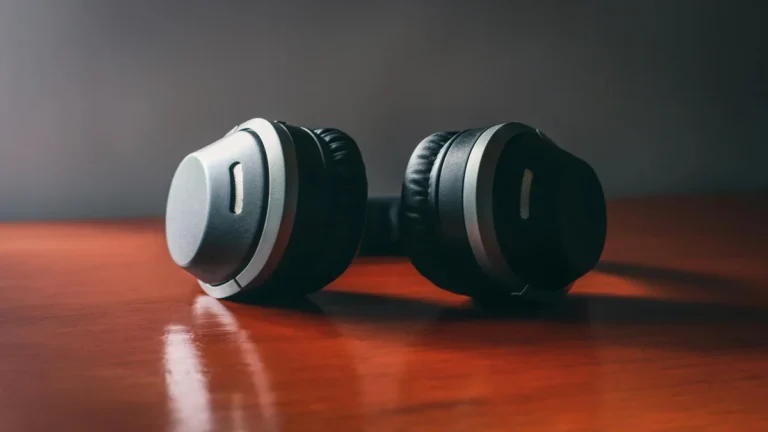
- Use better headphones
- Add a screen protector
Small upgrades can make your device feel fresh and enjoyable again.
8. Use Lite or Alternative Apps
Heavy apps can slow down older devices.
Better options:
- Use “Lite” versions of apps
- Switch to lighter browsers
- Close apps running in the background
This reduces strain on your phone and improves performance.
You don’t always need a new phone to enjoy a better experience. With these simple changes, your device can feel faster, cleaner, and more modern.
Whether you’re using Android or iOS, a little optimization goes a long way. Try a few of these tips today, and you might be surprised at how “new” your old smartphone feels again.