
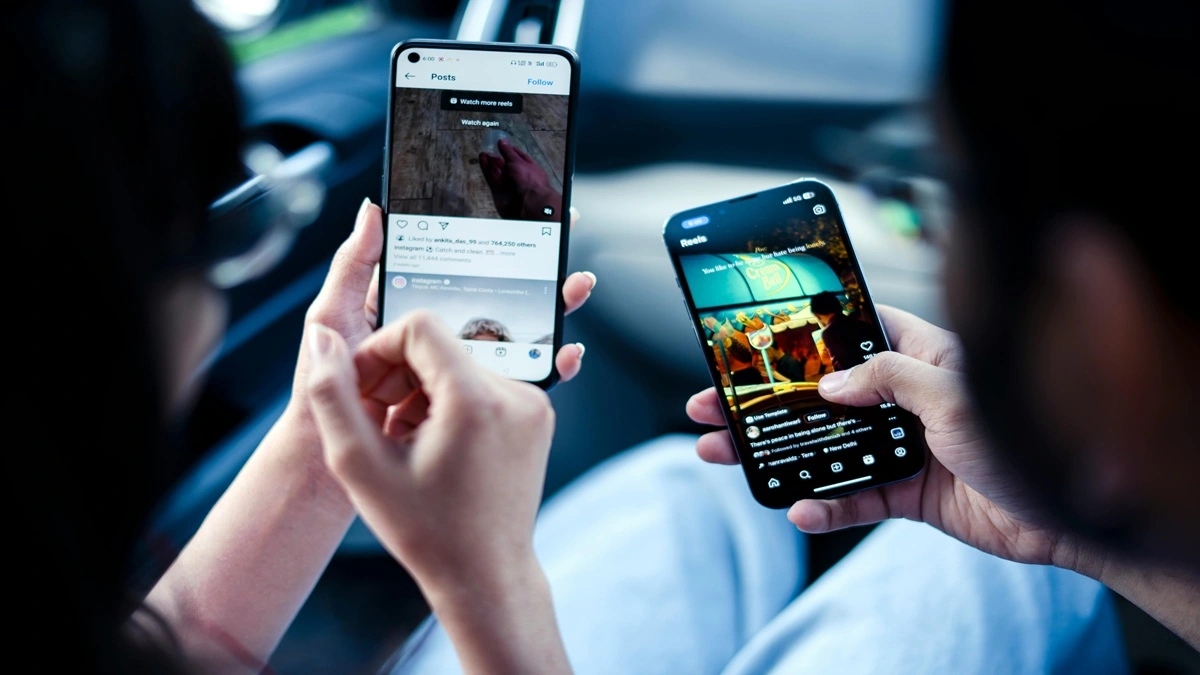
12 Ways to Make iPhones and Androids Get Along Better
The rivalry between iPhone and Android users has been around for years, but in reality, most people just want their devices to work smoothly together. Whether you’re sharing files with friends, texting family, or collaborating on projects, there are plenty of ways to bridge the gap between iOS and Android.
Here are 12 practical ways to make iPhones and Androids get along better in your everyday life.
1. Use Cross-Platform Messaging Apps
Instead of relying on iMessage or SMS, switch to apps that work on both platforms.
Popular options include:
- Telegram
- Facebook Messenger
These apps support high-quality media sharing, voice notes, and group chats without compatibility issues.
2. Share Files Through Cloud Services
AirDrop doesn’t work with Android, but cloud storage solves that problem.
Use services like:
- Google Drive
- Dropbox
- OneDrive
Upload once and share a link—simple and effective.
3. Switch to Cross-Platform Video Calls
FaceTime is great, but it’s limited. Instead, use apps that work everywhere.
Try:
- Zoom
- Google Meet
- Skype
Now everyone can join without device restrictions.
4. Use Universal Email Services
Email is still one of the easiest ways to communicate across devices. Platforms like Gmail work perfectly on both iPhone and Android.
No compatibility issues—just send and receive.
5. Sync Contacts With Google
Managing contacts across devices can be messy. The easiest fix is syncing everything through a Google account.
- Add your contacts to Google Contacts
- Sign in on both devices
- Keep everything updated automatically
6. Use Cross-Platform Notes Apps
Apple Notes doesn’t sync well with Android, so consider alternatives.
Good options:
- Evernote
- Microsoft OneNote
- Google Keep
You’ll always have access to your notes, no matter the device.
7. Share Photos With Google Photos
Photo sharing between iPhone and Android can reduce quality over SMS. Instead, use Google Photos.
Benefits:
- High-quality sharing
- Easy album creation
- Accessible on both platforms
8. Use Streaming Apps for Shared Content
Want to watch or listen together? Use apps available on both systems.
Examples:
- Spotify
- Netflix
- YouTube
This makes sharing playlists and recommendations seamless.
8. Enable RCS Messaging on Android
Rich Communication Services (RCS) improves texting between Android devices and can enhance communication with iPhones when supported.
Use apps like Google Messages to enable it.
10. Use QR Codes for Quick Sharing
QR codes are a simple way to share links, Wi-Fi passwords, and more—no compatibility issues involved.
Both iPhone and Android cameras can scan QR codes instantly.
11. Choose Compatible Accessories
Some accessories work better across both ecosystems.
Look for:
- Bluetooth headphones
- Universal chargers
- Cross-platform smart devices
Avoid ecosystem-locked accessories when possible.
12. Stay Updated With Software Updates
Both iOS and Android are constantly improving compatibility features.
Keeping your device updated ensures:
- Better performance
- Improved security
- Enhanced cross-platform support
iPhones and Androids don’t have to clash. With the right apps, tools, and habits, you can create a smooth experience across both platforms. Whether it’s messaging, file sharing, or entertainment, there’s always a solution that works for everyone.
Instead of focusing on the differences between iOS and Android, focus on the tools that bring them together—and you’ll have a much easier digital life.