
How to ‘Haunt’ Your House Using Smart Speakers
Want to turn your home into a spooky, high-tech haunted house? With a few clever tricks, your smart speaker can create eerie sounds, creepy lighting effects, and unexpected surprises that feel straight out of a horror movie—without anything actually being scary or dangerous.
Using devices like the Amazon Echo or Google Nest Audio, you can design a fun “haunted” experience perfect for parties, pranks, or seasonal events like Halloween.
Let’s break down how to do it step by step.
Set the Mood With Creepy Sounds
The easiest way to “haunt” your house is with sound effects.
Both Amazon Echo and Google Nest Audio support:
- Thunder and storm sounds
- Whispering voices
- Footsteps or door creaks
- Ghostly ambient music
How to do it:
- Ask your speaker to play “spooky sounds”
- Use music apps like Spotify or YouTube Music
- Create a playlist of eerie tracks
For extra effect, play sounds at low volume so they feel distant and mysterious.
Automate Sounds at Random Times
To make things feel more realistic, avoid predictable timing.
Use routines in apps like Amazon Alexa or Google Home to:
- Trigger sounds at random intervals
- Play noises late at night
- Activate effects when someone enters a room
This unpredictability creates the illusion that something is moving around your house.
Combine With Smart Lights
Sound alone is good—but pairing it with lighting takes things to another level.
Connect smart bulbs like Philips Hue and:
- Flicker lights on and off
- Switch to dim red or purple tones
- Sync lights with sound effects
A sudden light flicker with a creaking sound? Instant haunted vibe.
Use Voice Commands for Instant Effects
You can trigger spooky scenes instantly with voice commands.
Try phrases like:
- “Start haunted mode”
- “Play ghost sounds”
- “Turn on scary lighting”
With Amazon Echo or Google Nest Audio, you can set up custom commands that activate multiple effects at once.
Add Motion Triggers for Surprise Scares
If you want to take it further, add motion sensors.
When someone walks into a room:
- A whisper plays behind them
- Lights suddenly dim
- A loud noise triggers unexpectedly
Using smart home setups in Google Home or Amazon Alexa, you can automate these reactions easily.
Create Multi-Room Effects
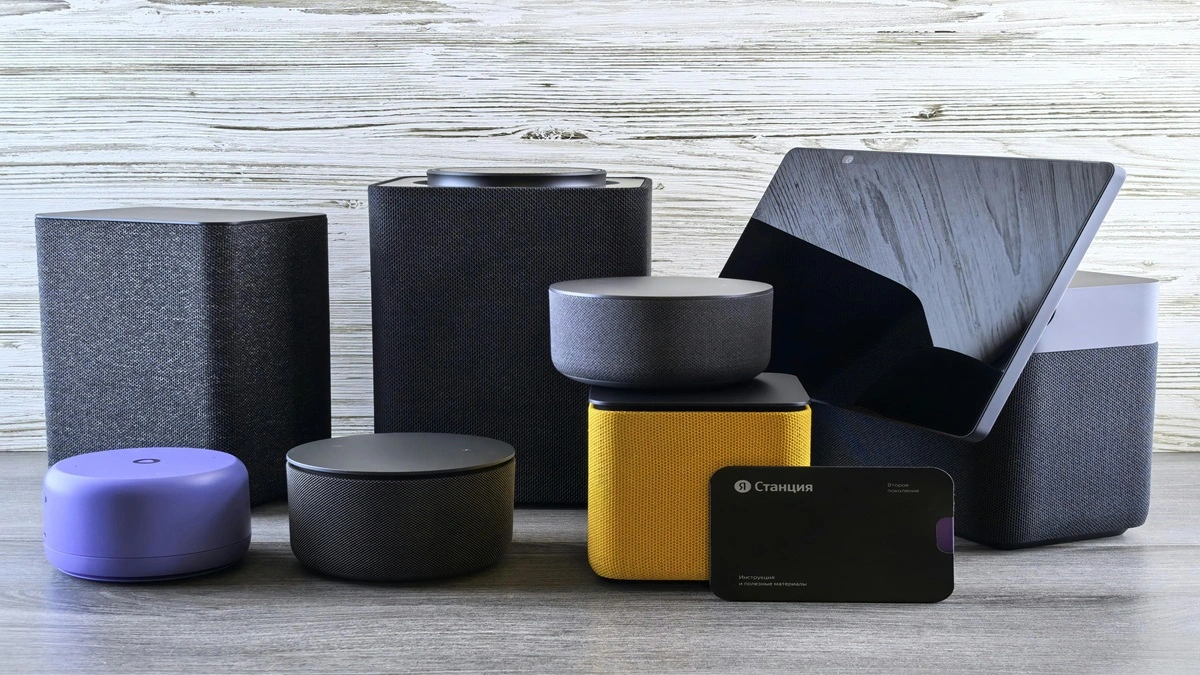
For a more immersive experience, use multiple speakers around your home.
Ideas:
- Footsteps “move” from one room to another
- Sounds echo through hallways
- Different rooms have different themes
This works especially well if you have several Amazon Echo or Google Nest Audio devices connected together.
Schedule a Full Haunted Routine
Instead of controlling everything manually, build a full routine.
Example “Haunted House” routine:
- Lights dim automatically
- Wind and thunder sounds begin
- Random whispers play every few minutes
- Lights flicker occasionally
Set this to run in the evening or during a party for a hands-free spooky experience.
Keep It Fun and Safe
It’s easy to get carried away, but remember:
- Don’t scare younger kids too much
- Avoid loud sounds late at night
- Let guests know it’s just for fun
The goal is entertainment—not real fear or discomfort.
With a bit of creativity, your Amazon Echo or Google Nest Audio can turn your home into a fun, spooky experience. By combining sound, lighting, and automation, you can create effects that feel surprisingly real—all controlled from your voice or smartphone.
Whether it’s for Halloween, a party, or just for fun, this is a creative way to make the most out of your smart home setup.